Jen’s customer guide
Renting a U-Haul with confidence
It only takes one bad experience. Let’s get educated, keep track of the details, and take control of your rental.
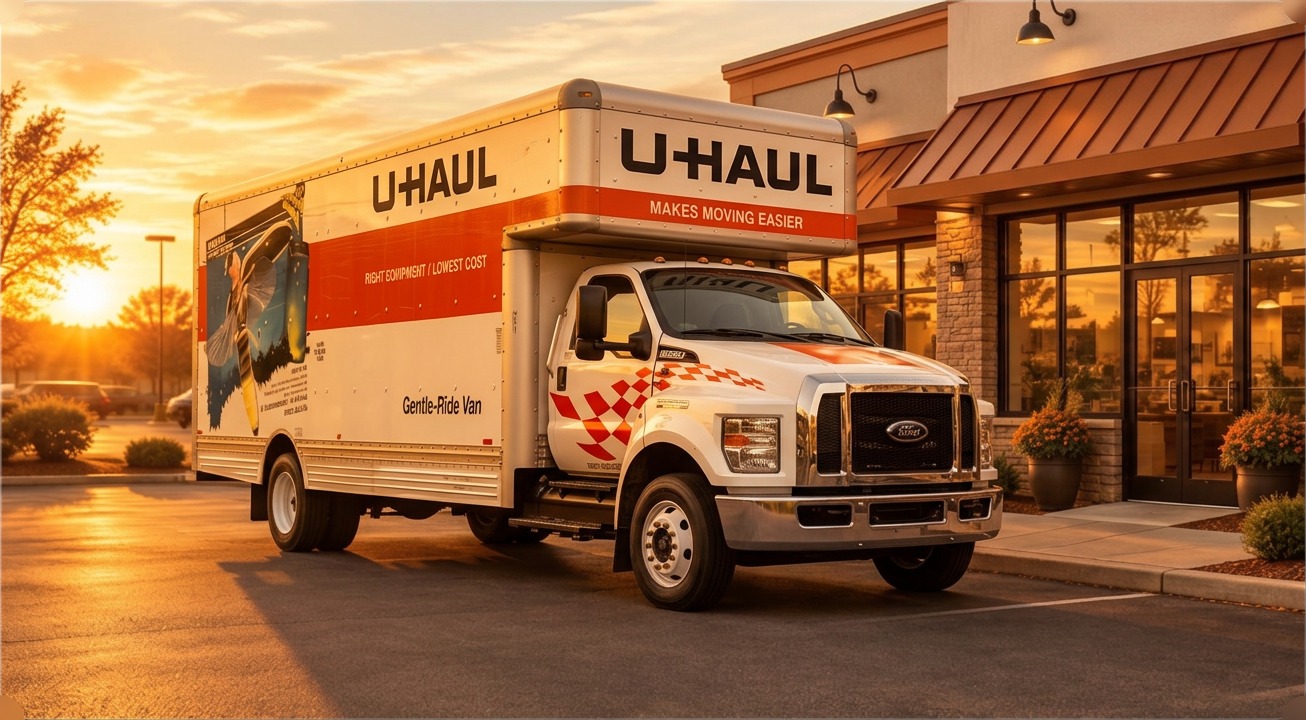
Your rental. Your details. Your records.
Use your own personal U-Haul account to review your details, document the equipment, and finish your return.
Call 1-800-GO UHaul for help, or whenever something does not look right.
Your account & agreement
Your rental agreement is a binding contract between you and Uhaul. Read the actual details to understand the drivers responsibilities, charges, and terms. You only need Neighborhood dealers and U-Haul stores help with equipment and service; your own account keeps your rental records at your fingertips.
Creating an account can save time by keeping your contact and payment information on file. Enter sensitive details through the official U-Haul app or website, keep your login private, and review your reservation and agreement for accuracy.
A suggestion: handle the steps you can yourself. This reduces unnecessary sharing of personal information and helps avoid misunderstandings and untrustworthy mishandling. Staff or U-Haul support may still be needed for verification, equipment issues, or pickup and drop off assistance.
Reservation timing
Keep your pickup date and time updated and accurate. If you are running late, update your reservation through your account if that option is available, or contact U-Haul or the pickup location before your scheduled time.
Jen recommends planning around a narrow window: 15 minutes before to 15 minutes after your reservation time. For a noon reservation, that means being ready between 11:45 a.m. and 12:15 p.m.
15 minutes after your reservation, the 100% Guarantee drops, and that unit becomes available online for the next customer who’s searching.
An overnight pickup, such as 2 a.m. or 4 a.m., needs a location and reservation set up for Self Pickup, Mobile Pickup, Truck Share 24/7. Confirm eligibility and follow your account’s instructions before traveling.
Mobile truck pickup
Choose mobile pickup / Truck Share 24/7 when available. Complete any advance steps in your reservation before pickup day.
- Arrive at the assigned pickup location with your phone charged, internet access, and location services enabled.
- Sign into your account in the official app or website and start the pickup when prompted.
- Follow the identity, driver’s license, payment, and verification prompts. You can complete these steps from your own parked vehicle.
- Respond to any additional questions from U-Haul. Once approved, follow the instructions to find your truck by its unit number and retrieve the key from the specified box, if applicable.
“Meaningful assurance” — be ready for verification
U-Haul may ask for additional assurance of your identity or rental. Jen recommends having two contact people ready to answer their phones if called. Tell them in advance; the exact verification requirements come from U-Haul’s pickup prompts.
Trailer pickup
Trailer pickup is different from mobile truck pickup. Jen recommends arranging pickup during staffed hours and asking trained U-Haul personnel to help with and inspect the hookup.
Before departure, follow U-Haul’s trailer instructions and have the connection, safety chains, and lights checked. Ask the location what hookup documentation or photos are required for your rental; do not assume an app-only truck pickup replaces the trailer pickup procedure.
Before leaving the lot
Follow the equipment-condition link or inspection prompts U-Haul provides, including any text message you receive. Compare the equipment with your agreement before leaving the lot.
- Fuel: compare the dashboard reading with the recorded fuel level and photograph it.
- Mileage: compare the odometer with the recorded starting mileage and photograph it.
- Cleanliness: note and photograph any dirt, trash, or existing mess.
- Damage: photograph existing damage, especially anything without an X damage marker, and report it in the inspection process.
- Records: save the submitted inspection and your agreement for your own reference.
If something is wrong or you cannot submit the inspection, contact U-Haul before leaving. Do not rely only on telling someone at the store; make sure the issue is documented with your rental.
Choosing coverage
A suggestion to add coverage is not automatically an attempt to upsell you unfairly. It can be a useful way to manage risk, but you should understand the specific product before deciding.
Do not assume your personal auto policy or credit card covers a moving truck or trailer. Ask your insurer about this rental and compare that answer with the U-Haul coverage terms, limits, exclusions, and deductibles.
Some customers choose U-Haul protection because they prefer not to claim against their own policy. Whether a claim affects premiums depends on the insurer and circumstances. Coverage does not guarantee that every incident is covered or that you will never need your insurer.
Your return location
Confirm your assigned drop-off location and return instructions before finishing pickup. Many locations support after-hours returns, but availability and procedures vary. Do not assume every store or dealer offers the same service.
- Check that after-hours return is available at your assigned location.
- Know where to park and where the designated key dropbox is located.
- Confirm your return deadline and any applicable charges in your agreement.
- If you need to change the drop-off location, arrange it with U-Haul first.
Finish your return
Arrive at the assigned return location before starting the return process. Keep location services and internet access available.
- Log into your account and find your active rental. Look for “Return my truck,” “Drop off my truck or trailer,” or the equivalent return option shown.
- Follow every prompt. Record the ending mileage and fuel level, take the requested photos, and confirm the equipment’s condition and parking location.
- Review the charges. If something looks wrong, save the details and contact U-Haul for help rather than assuming it will resolve itself.
- Finish submitting the return and save the confirmation and receipt. Returning equipment closes the rental, not your U-Haul account.
- For a truck, lock it and place the key in the designated dropbox as instructed before leaving. Follow the separate instructions for a trailer.
Don’t just park it and leave.
Complete your return, save confirmation, and put the truck key in the designated dropbox. If the process fails, contact U-Haul and keep a record of the problem before leaving.
Starting your own dealership
Jen owns a U-Haul dealership, and this is the path she followed — organized into the decisions and steps that matter most before you apply.
- Check your property first. You need enough space for a 26-foot truck with an auto transport following behind it — so the whole rig can pull in, park, and pull out in a simple manner.
- Already be running a business. U-Haul neighborhood dealers are an extension of your company. U-Haul looks for companies that will let them help build their business with no upfront costs.
- Know your local laws. Understand your zoning laws, county laws, city laws, and more before running this kind of business where you are.
- Apply on uhaul.com. Scroll all the way to the bottom of the homepage and apply to open a store.
- Work with your AFM. Once you are approved, your Area Field Manager (AFM) guides you through the steps to get your store opened. The basics: online classes through U-Haul University, then your AFM leaving a few units with you to get started.
Jen’s take
“I enjoy having my own U-Haul store. It’s one of the best decisions I’ve ever made, other than having my daughter. I wish you joy and prosperity in your future endeavors with U-Haul.”
Property, zoning, and application requirements are confirmed by U-Haul and your Area Field Manager. Jen’s experience is shared as guidance, not as official U-Haul policy.